
iOS 26.1: Every single new feature explained
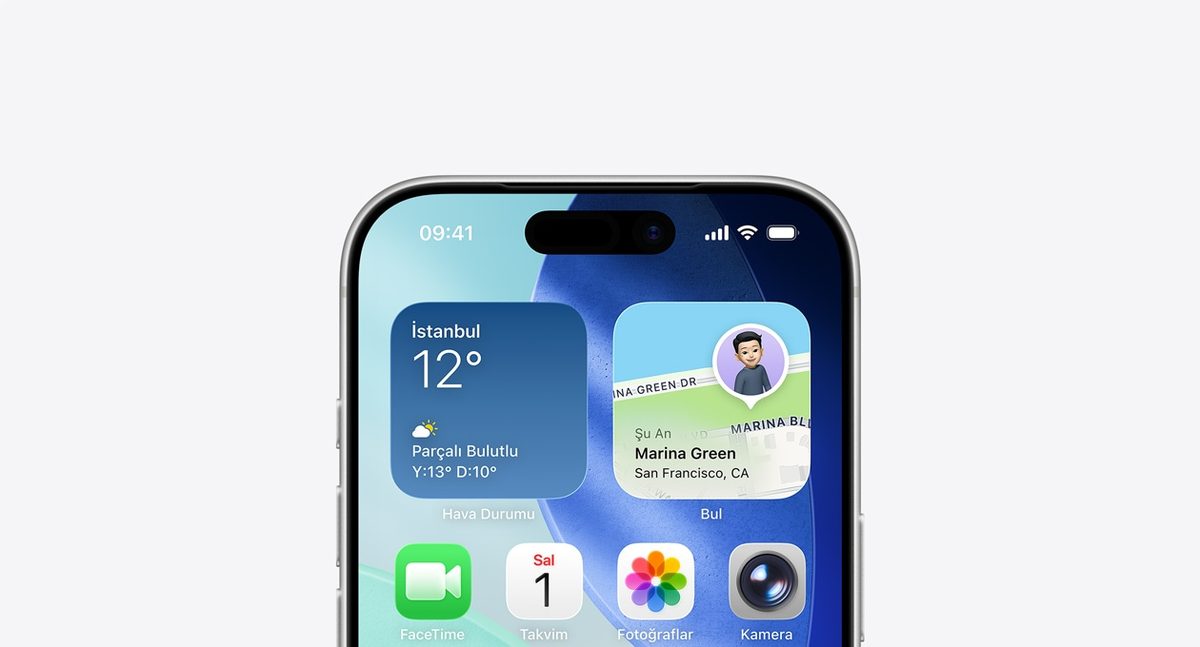
Apple has released iOS 26.1, the first major update to the iOS 26 operating system that launched in September. The update is now available to the public and introduces several new features and key refinements, including options to address user complaints about the new Liquid Glass design and the Lock Screen.
Everything new in iOS 26.1The most significant update in iOS 26.1 is a new toggle for the Liquid Glass aesthetic. Located in Settings under “Display and Brightness,” users can now choose between the default “Clear” setting and a new “Tinted” option. The “Tinted” setting increases the opacity of menus, buttons, and notifications to improve contrast and readability, addressing a common complaint about the new transparent design.
Another major change is the addition of a toggle to disable the Lock Screen camera gesture. In the Camera section of the Settings app, a new “Lock Screen Swipe to Open Camera” option allows users to turn off the left-swipe gesture, preventing the camera from accidentally launching.
Apple Intelligence has been expanded to support eight new languages: Danish, Dutch, Norwegian, Portuguese (Portugal), Swedish, Turkish, Traditional Chinese, and Vietnamese. Additionally, the Live Translation feature for AirPods (AirPods Pro 2, AirPods Pro 3, and AirPods 4 with ANC) now supports Japanese, Korean, Italian, and both Mandarin Traditional and Simplified Chinese.
The iOS 26.1 update brings numerous refinements to built-in apps and system functions:
- Alarms and timers: The Lock Screen interface for an active alarm has been changed from a “tap to stop” button to a “Slide to Stop” bar. This is intended to prevent users from accidentally dismissing an alarm when trying to hit the snooze button.
- Apple Music: A new gesture allows users to swipe left or right on the MiniPlayer to switch songs. Apple Music AutoMix transitions also now work when streaming over AirPlay.
- Apple TV app: The app has a new, more colorful icon to match the Liquid Glass aesthetic. This coincides with Apple’s rebranding of its streaming service, which is now just called “Apple TV” inside the app, dropping the “Plus.”
- Fitness app: Users can now create fully custom workouts, with open options for selecting workout type, estimated active calories, effort, and duration.
- Settings and folders: The text for headers in the Settings app and the names of folders on the Home Screen are now left-aligned instead of centered.
- Security: A new “Background Security Improvements” toggle has replaced the previous “Rapid Security Responses” feature, allowing Apple to install critical security updates without a full iOS update.
The companion update for the iPad, iPadOS 26.1, includes most of the same features as iOS 26.1 but also reintroduces the “Slide Over” multitasking feature. This allows users to designate one app to float in a small window above all other open apps and windows. The iPadOS 26.1 update also adds a Vision Pro app to the iPad.
How to download the updateThe iOS 26.1 and iPadOS 26.1 updates are available now as a free download by navigating to Settings > General > Software Update. The update is compatible with the iPhone 11, iPhone SE (2nd generation), and all later models, as well as all iPads that support iPadOS 26.